Fix “Activity off Meta technologies is currently turned off “
The Activity Off Meta is a feature that controls the data shared with other websites.
If you are getting the following error, see how to fix it below.
"Your activity off Meta technologies is currently turned off."
Step 1: Log in to your Facebook account
Step 2: Go to the settings page by clicking your profile photo and then going to Settings & privacy. Now Click Settings again
Step 3: Scroll down towards the bottom and on the left and click Your Facebook information, then Continue
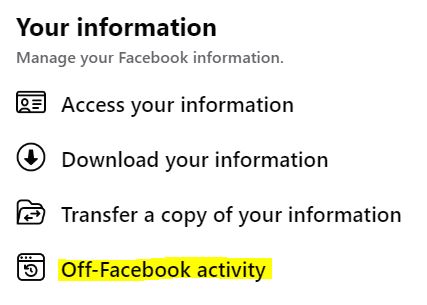
Step 4: Select Manage Future Activity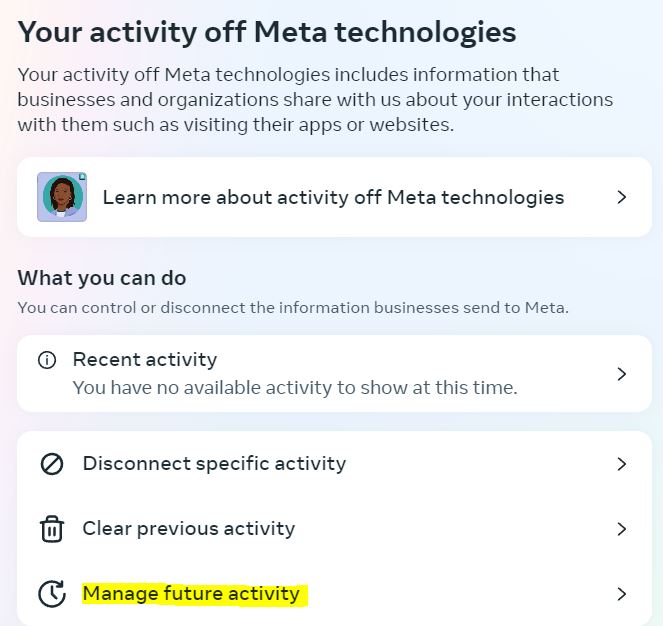
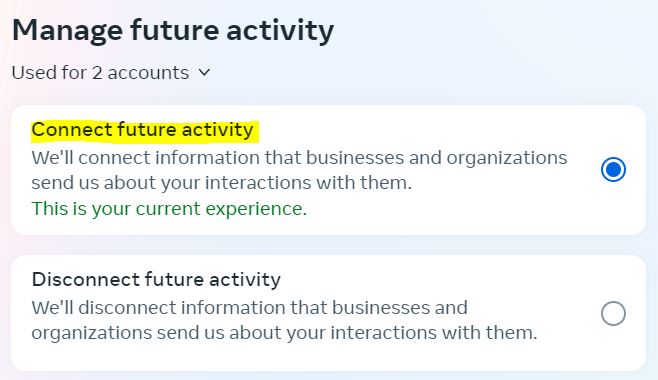
Step 5: Select Connect future activity